
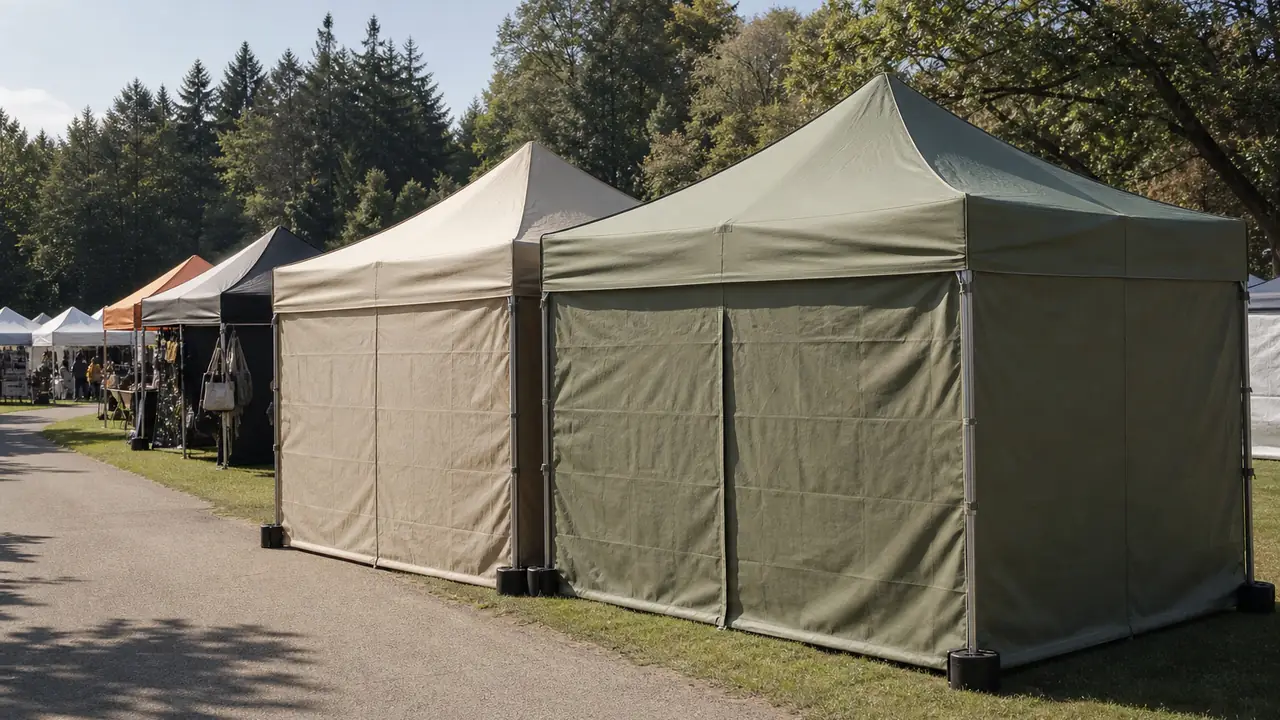
Why canopy artwork is different from flat print
A banner is printed, hemmed and hung. A canopy top is printed as flat panels that are then cut, sewn and stretched over a peaked frame with a valance hanging from each side. A logo that looks centred on a flat file can end up over a seam, bent across a ridge or cut off at the hem. Walls and flags each have their own shape. That is why every partner factory works from its own template for each frame size and kit part, and why artwork should always be built on that template rather than on a generic square.
A typical 10x10 ft printed kit, based on a reference set from public listings, includes the top over a 300x300 cm frame, a back wall of 301x217 cm, two half walls of 301x91 cm and two 11 ft flags. Each of those is a separate artwork file, a separate print and a separate item to approve.
Walls and flags deserve as much attention as the top. A back wall at about 3 m wide is often the panel visitors see most, because it faces the aisle or the street behind the table. Half walls sit at table height and are partly hidden by products and people, so logos there belong in the upper part of the panel. Flags are cut to a curved or teardrop shape, often from a different fabric than the top, and the readable area is smaller than the outline suggests. Treat each part as its own layout problem, and check how the parts read together when the canopy is pitched, not only one by one on the screen.
What the template shows
A canopy template is usually a vector file showing the flat layout of each panel. Ask for the template for the exact frame and kit you are ordering, because valance depth, peak shape and wall size vary between frames. A complete template marks:
- Trim line: the finished edge of the panel after sewing.
- Bleed: artwork that must extend beyond the trim line so no unprinted edge shows after cutting.
- Seam zones: where panels join, where artwork will be stitched over and where fine detail should not sit.
- Safe area: where logos and text should stay so they remain fully visible on the pitched canopy.
- Hardware zones: corner pockets, hook-and-loop strips, wall attachment points and flag sleeves.
Bleed, safe-area margins and file resolution are stated on each factory's template. Follow those values rather than assuming a standard, because they depend on the cutting and sewing process of that partner factory.
File checklist
| Item | What to supply | Why it matters |
|---|---|---|
| Template | Artwork placed on the factory template, one file per kit part | Panels are cut and sewn after printing |
| Logos and text | Vector artwork, text converted to outlines | Clean edges at large size, no missing fonts |
| Images | Resolution as stated on the template, at final size | Low-resolution images blur on a 3 m panel |
| Bleed | Background extended past the trim line | Avoids white edges after cutting |
| Colour reference | Named spot colours or a physical swatch | Screen colours do not transfer reliably to fabric |
| Layer notes | Trim, bleed and template guide layers kept separate and labelled | Guides must not print |
| Panel list | Top, valances, walls, flags, quantity of each | Matches the kit list on the spec sheet |
Colour: proofs before bulk
Colour is the most common source of disputes on printed canopies. A brand colour defined for screens or paper does not always reproduce the same way on polyester oxford. For dye-sublimation the background and the logo are both printed, so every colour on the panel needs a reference. For screen print the base is the stock fabric colour, so the reference covers the ink and the choice of fabric shade.
The approval route usually runs in three steps. First, a digital proof shows placement on the template; it confirms layout, not colour. Second, a colour proof or strike-off on the actual fabric shows how the colours print. Third, a first-article print from the production setup is checked before the full run. Approve each step in writing and keep the physical proof in the order file. The inspection plan then checks bulk production against that proof, including colour difference and print fastness. See canopy printing.
Common artwork problems
- Logo placed across a seam on the roof, so it is stitched through or distorted at the ridge.
- Text too close to the valance hem, so it disappears into the fold or under the frame.
- Background not extended into the bleed, leaving thin unprinted lines at the edges.
- Web images enlarged to panel size, printing soft or pixelated.
- Different colour values for the same brand colour on the top, walls and flags.
- Walls designed without the door zip or window position, so artwork is cut by an opening.
Each of these costs a revision or a reprint. A short pre-check by the desk against the template catches most of them before the colour proof.
Reorders and artwork control
Printed programs often run for several seasons. Keep a master file per kit part with a version number, the approved colour references and the factory template version it was built on. If the frame changes, for example from a 40 mm to a 50 mm hex aluminium frame, check whether the template has changed too; valance and wall sizes can shift between frame types. A change of artwork usually counts as a new style for quantity purposes. Promotional products distributors handling many client files benefit most from this discipline; see canopy programs for promo brands.
Timing and quantities
Artwork approval sits at the start of the schedule, so it moves every date after it. Samples or first-article prints typically take 7-15 days once files are approved, and bulk production 30-45 days, or 45-60 days for custom builds. Ten by ten canopies and printed kits typically start at 20-50 sets per style, confirmed in writing for each order. The print method decision comes before the file work; the print method comparison covers it. Timing details are on MOQ and lead time, and the kit options on custom printed canopies. When the files are ready, send them with the kit list through the quote form.